Kmail
Only the email you've said you want.
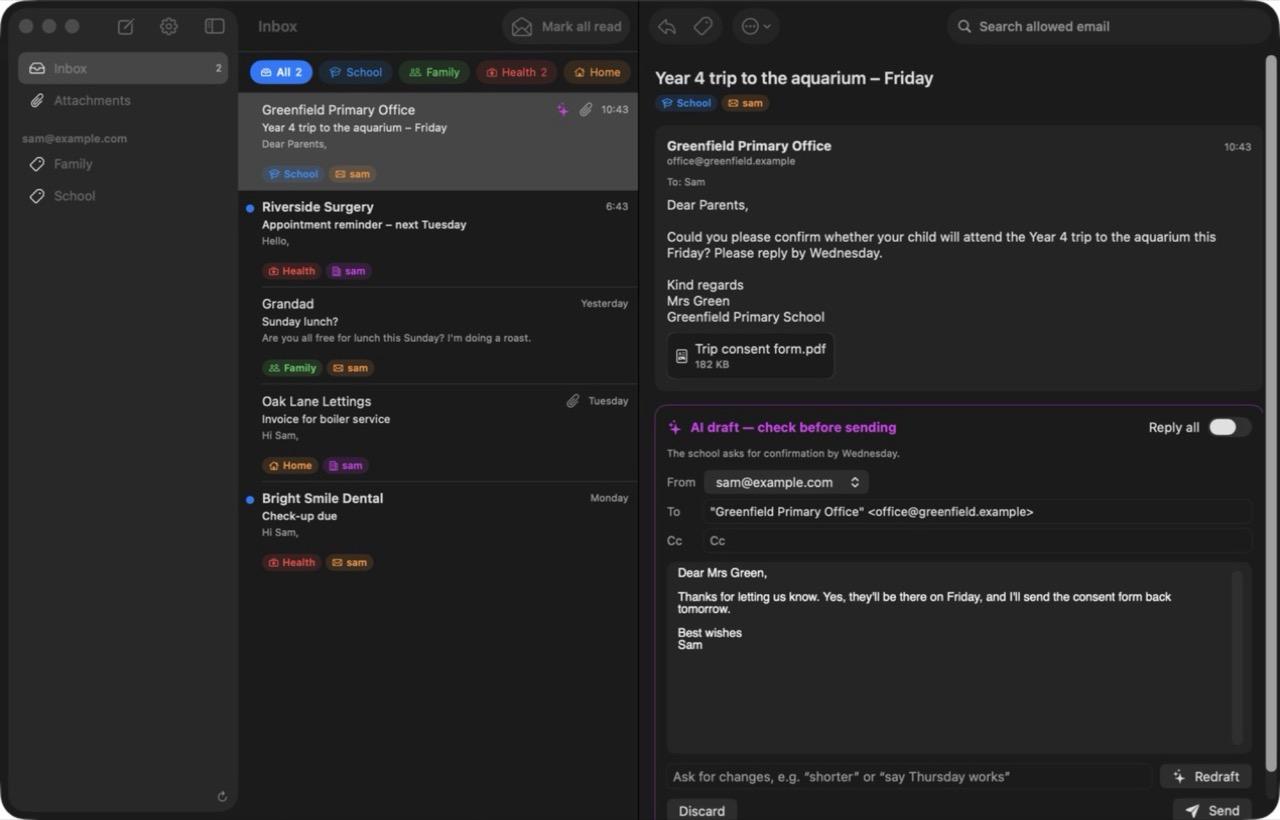
Kmail connects to Gmail and Outlook but starts out showing nothing. You make groups, such as School, Family and Health, with simple rules, and only email that matches a group ever shows up. When an email needs an answer, it can draft a reply for you to check.
- Mac
- macOS 15 or later
- Gmail and Outlook
What it does
People who get lots of email but only care about a small part of it, and want a calm place for that part.
- Allow-list groups
- Nothing gets in unless a group lets it in. There's no everything-else pile.
- Simple rules
- Sender, domain, subject, words in the sign-off, or anywhere in the email, plus exceptions.
- Footer matching
- A school's footer counts, but a friend mentioning the school doesn't.
- Inbox zero
- Filing an email applies the real Gmail label or Outlook folder.
- AI drafts
- Written when a reply is needed. Nothing sends until you press Send.
- Your style
- One writing style, plus notes for each group.
- Many accounts
- As many Gmail and Microsoft accounts as you like, side by side.
A look inside
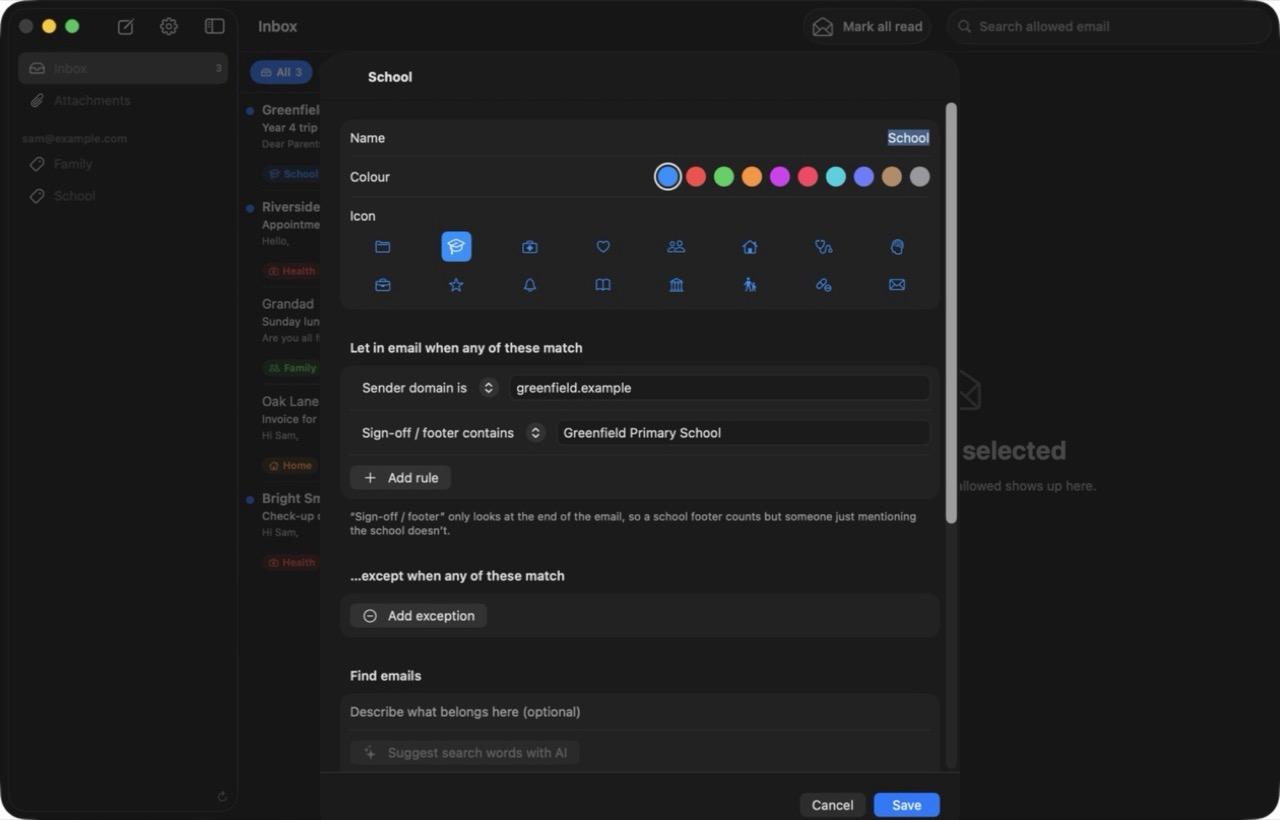
A group and its rules
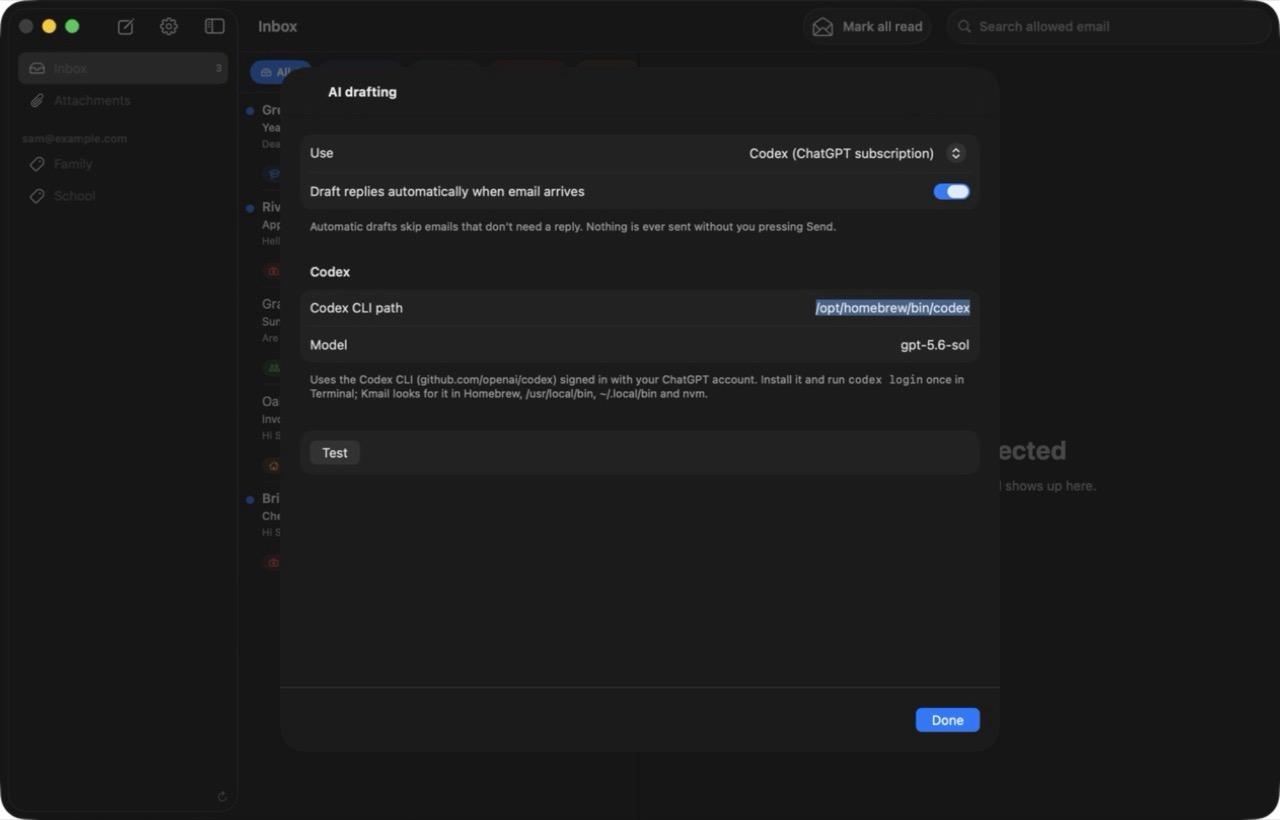
Drafting settings and writing style
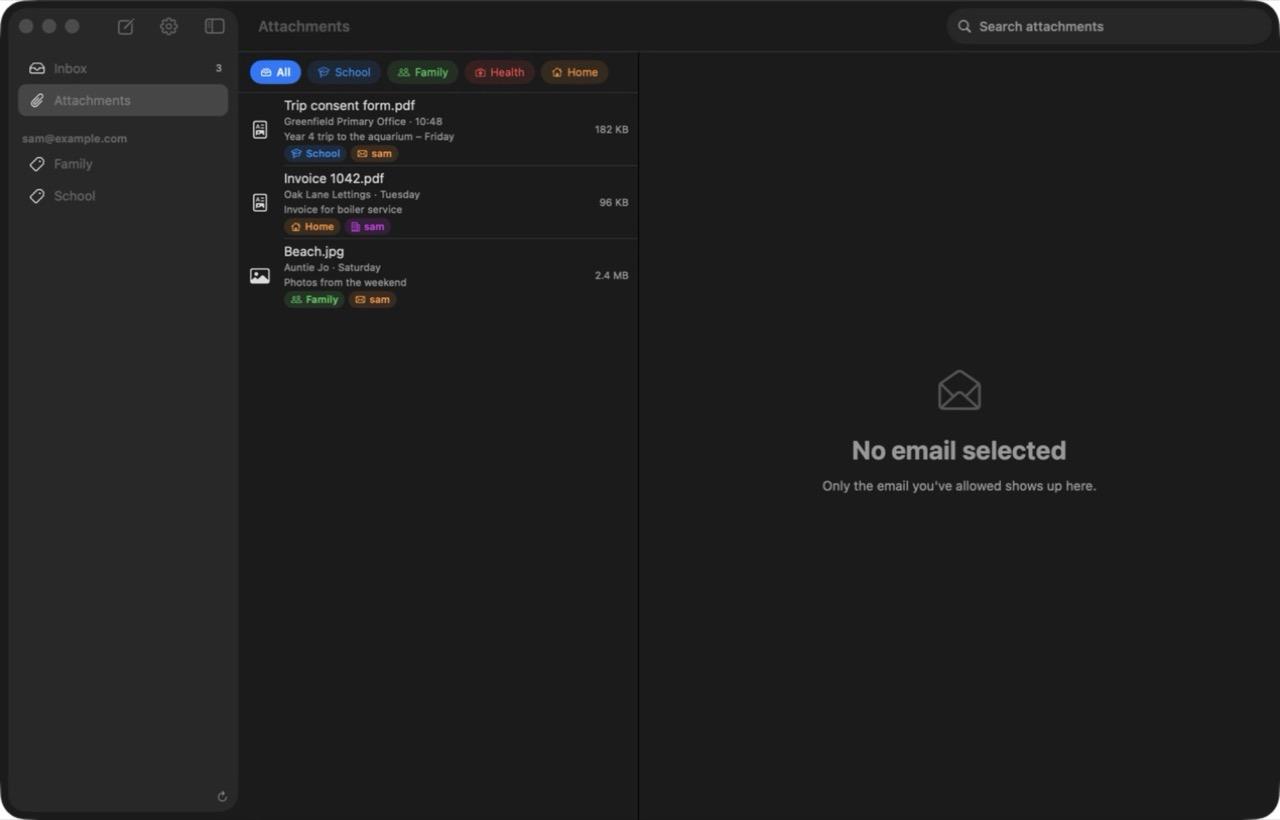
Every attachment from allowed email
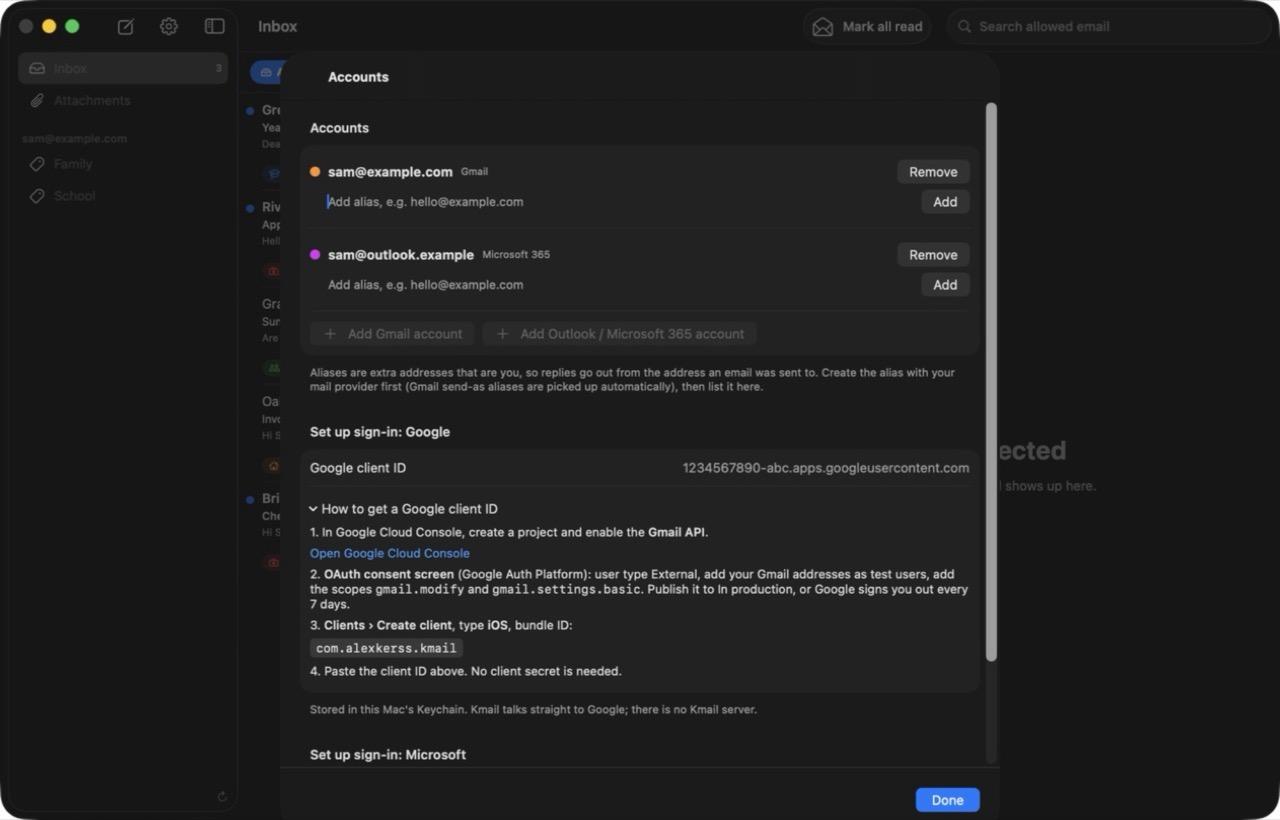
Setting up sign-in with your own Google or Microsoft app
What you need
- Gmail
- Your own free app in Google Cloud Console, with the Gmail API switched on. About 15 minutes.
- Outlook
- Your own free app registration in Microsoft Entra.
- AI drafts
- Optional: a ChatGPT sign-in through the Codex CLI, or an OpenRouter key.
Rough edges
This is a tool I built for myself and use every day, not a polished product.
- You make your own Google and Microsoft sign-in apps. Google warns that the app is unverified, and you click through.
- No attachments on outgoing email yet.
- It checks for new mail while it's open. There's no push.
- Gmail and Microsoft accounts only, not plain IMAP.
How it's built
For the technically curious.
- App
- Swift and SwiftUI, about 3,700 lines, one codebase for Mac and iPhone.
- The Gmail API and Microsoft Graph, called straight from the app. No server.
- Sign-in
- OAuth with PKCE and no client secret. Tokens go in the macOS Keychain.
Not available to download yet. It needs signing by Apple first.
I'd like to share it as a free download. If you'd like to try it when it's ready, or have a question about it, get in touch.